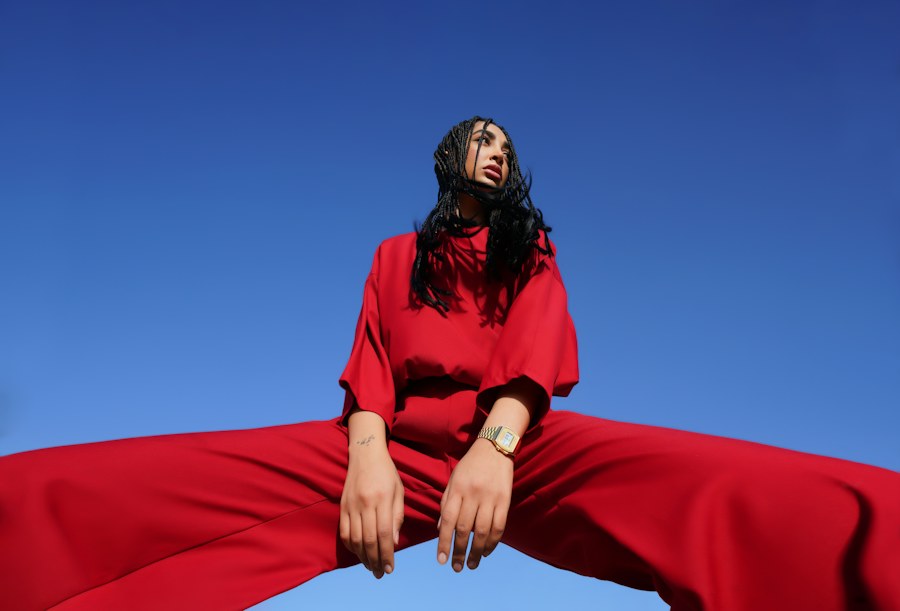
Choose your atmosphere
UMX 01 / 02
Luxury, made
AN EDIT OF YOUR OWN
Luxury, made
personal.
A welcoming wardrobe experience for the pieces you love.
Enter the experience Discover the UMX experience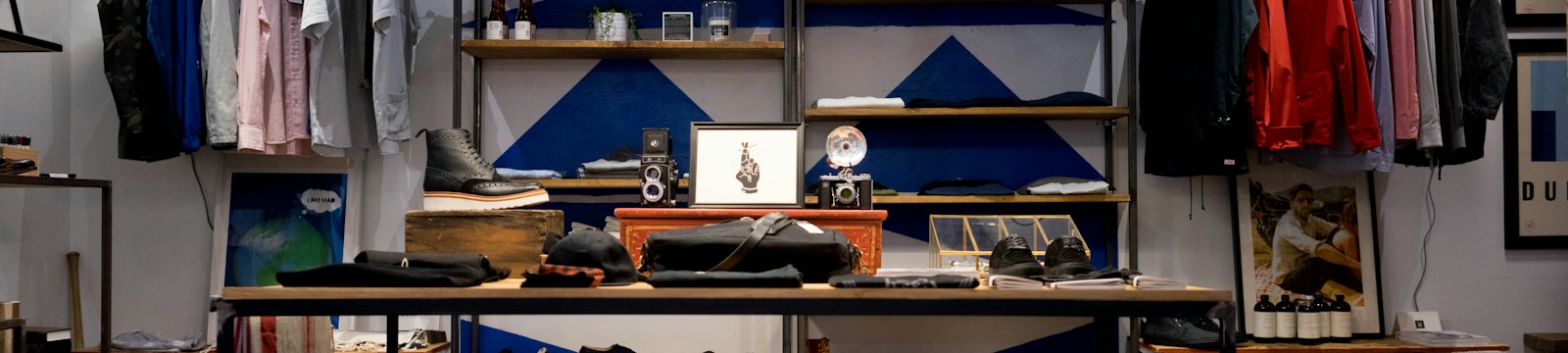
YOUR DIGITAL WARDROBE 02 / 02
Your whole wardrobe,
Your whole wardrobe,
ready to explore.
See what you own at a glance, keep favourite pieces organised and compare a selected item beside your photo or a model reference.
- 01See every piece togetherAdd your clothing and build a wardrobe that feels like yours.
- 02Find what you are looking forBrowse by category and colour instead of searching your closet.
- 03Compare before you decideOpen a side-by-side preview with a model reference or your own photo.
Your digital wardrobe
Your wardrobe, at a glance
Browse the sample collection, find pieces by category, and add your own when you are ready. Sample values are illustrative.
Total items37
Purchase value£5,468.00
Worn this month111
Browse by category
Go straight to the pieces you are looking for
Your collection
37 pieces to explore
PRODUCT VIEW · EACH PIECE SHOWN ON ITS OWN
No pieces match those filters. Try a different search, clear your filters, or add an item.
Your wardrobe at a glance
Colour story
A simple count of colours in your active closet, based on the item details you have entered.
Wear notes
Collection value
More and settings
Set how your wardrobe looks and manage a small metadata backup. Photos stay in this browser tab and are not included in the export.
Currency
Pounds sterling · GBP (£)
Each edit changes the wardrobe palette, typography and product presentation. Inspired by distinct fashion aesthetics; UMX is independent and not affiliated with any fashion house.
Wardrobe wallpaper
Choose a quiet neutral canvas or bring the red editorial portrait into your personal wardrobe view. This setting applies for this visit.
The experience, imagined
A closer look at what’s possible.
A short concept walkthrough of a more considered digital fitting room, from discovering a piece to feeling confident in your choice.
UMX
Experience concept · 00:20
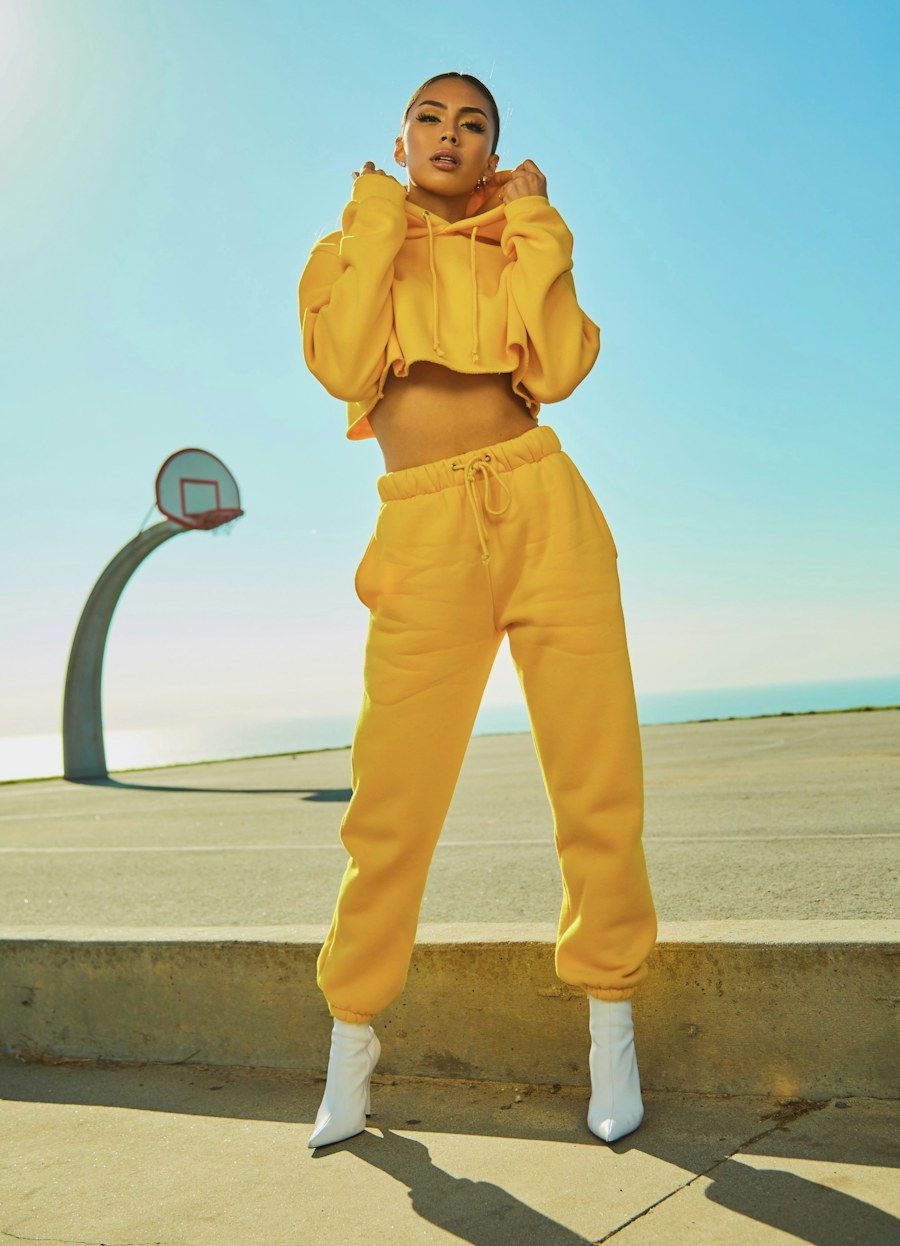 01 / The collection
Chapter 01
Begin with a piece.
Explore the collection and choose an item. Existing product photography can be the starting point.
Discover · Select · Explore 02 / Your point of view
Chapter 02
Make it personal.
Add a photo and simple fit preferences. Your information should be handled with clarity and care.
Private · Considered · Yours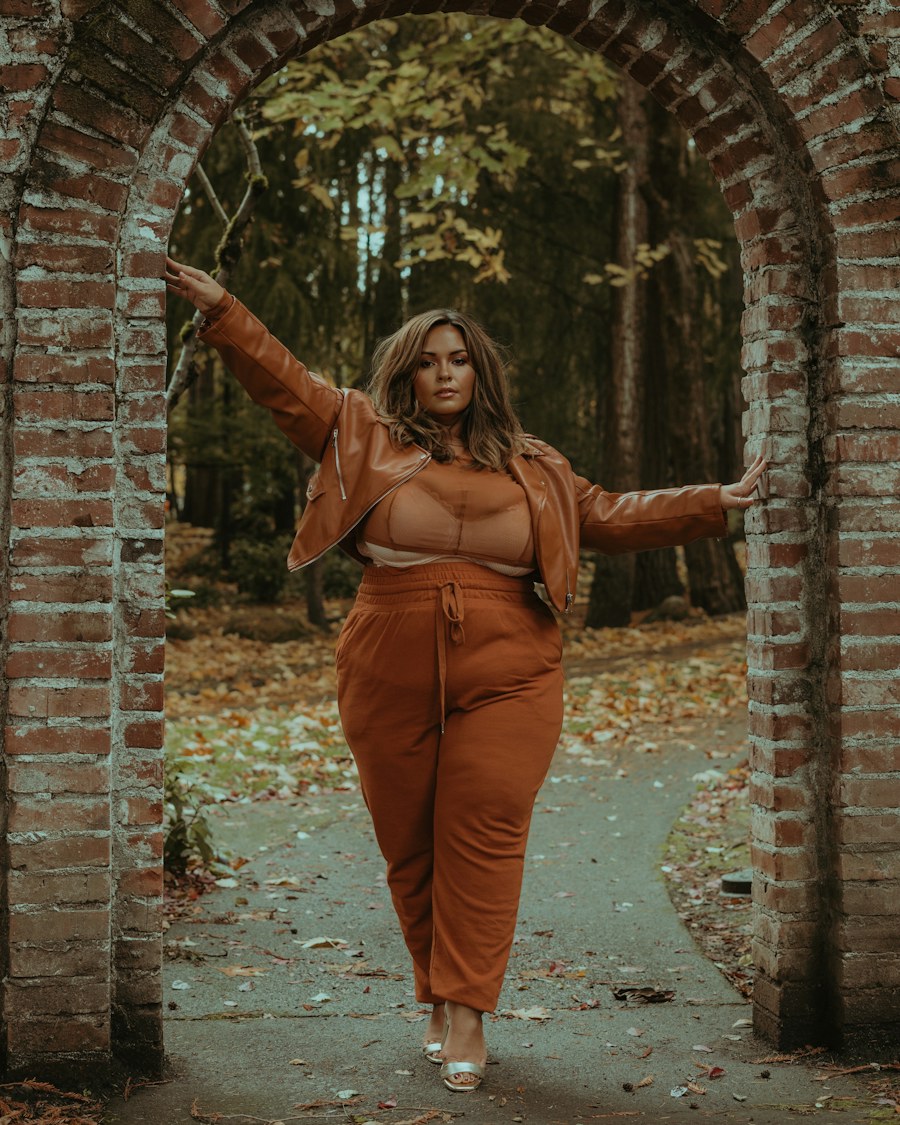 03 / Fit preferences
Chapter 03
Find your fit.
Review your usual size and the way you like a piece to fit. A connected provider can offer deeper fit guidance.
Understand · Compare · Decide 04 / A confident choice
Chapter 04
Choose with confidence.
Bring product details and personal preferences together in one calm, considered moment.
Personalised · Clear · Connected
01 / 04
Concept visualization. This short walkthrough illustrates the intended customer journey. Body-aware try-on and fit recommendations require integration with a specialist provider.
Simple by design
Find the piece that feels like yours.
A considered experience, from the first look to a more confident choice.
Choose a piece
Explore a product and add its photograph. Existing two dimensional product images can start a clothing try on journey.
Share your preferences
Add your photo, usual size, and preferred fit. Your choices help shape a more personal experience.
Step into the fitting room
Review your personal preview. A connected fitting provider can add body-specific try on and size guidance.
Your preview studio
Your preview, at your own pace.
Pair a product photograph with one of ten diverse demo portraits, or choose your own photo. We’ll suggest a specialist provider based on the kind of piece you select.
Your photos stay yours. This demo reads images locally in your browser. It does not upload or store your photos.
For the people behind the collection
Technology, thoughtfully matched to the piece.
Explore specialist providers for different kinds of virtual try on and product personalisation.
Genlook
Clothing try on using existing two dimensional product photos.
Banuba
Makeup and face based augmented reality experiences.
Fittingbox
Virtual try on experiences for glasses.
Kivisense
Footwear and three dimensional augmented reality.
Zakeke
Product customization experiences.
3DLOOK
Body-based apparel fit and size guidance through a specialist integration.
Provider capabilities, requirements, and pricing can change. Check with each provider to confirm the right solution and integration for your products. The fitting-room concept also draws on the virtual fitting room overview by 3DLOOK.
Every detail deserves a closer look.
Discover a new perspective on pieces made to be treasured.
Explore your preview